Image model · Design & Illustration
Recraft V3
Recraft V3: illustrations, posters and brand-style artwork, including clean graphic shapes and legible text.
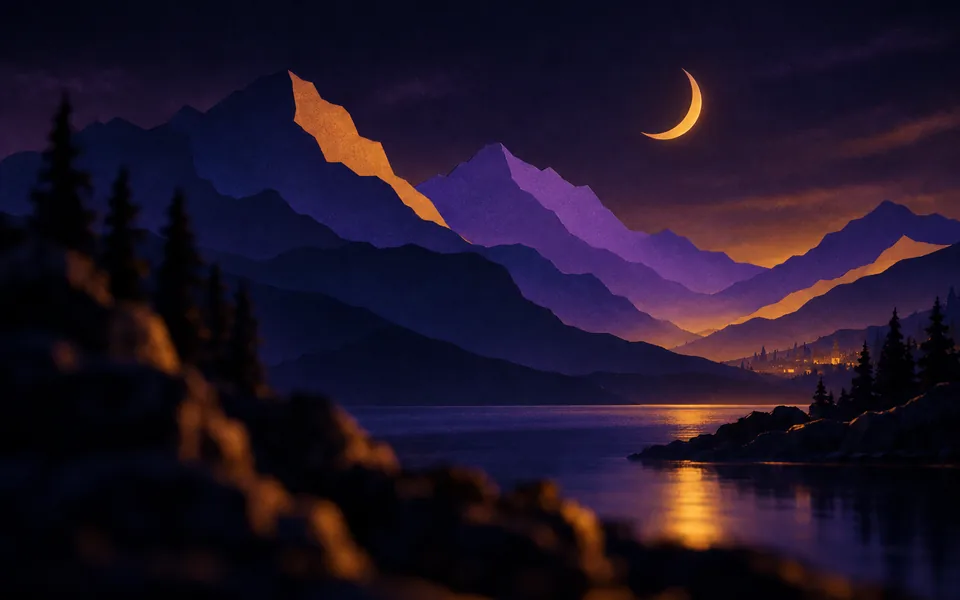
Recraft V3 in MoviePro
- Aspect ratios
- 1:1, 16:9, 9:16, 4:3 and 3:4
- Reference images
- No
- Price
- 2 credits per image
Credits come with every plan. See pricing.
Workflow
From script to final cut with Recraft V3
- 01
Plan the shot
Write the scene in the screenplay editor and break it into a shot list and storyboard.
- 02
Generate with Recraft V3
Pick Recraft V3 for the shots it suits best, and other models for the rest.
- 03
Cut and export
Every result lands in your project. Cut it on the multi-track timeline, add sound and export.
FAQ
Recraft V3 questions
How much does Recraft V3 cost on MoviePro?
2 credits per image. Recraft V3 is available on the free plan, which includes monthly credits.
Which aspect ratios does Recraft V3 support?
1:1, 16:9, 9:16, 4:3 and 3:4.
Can Recraft V3 use reference images?
Not in MoviePro today. Use Gemini 2.5 Flash Image when you need references for consistency.
Do I need a separate Recraft V3 account?
No. You generate with Recraft V3 inside MoviePro and pay in MoviePro credits.
What happens to what Recraft V3 generates?
It lands in your project, next to the script, storyboard and shot list, and you can cut it on MoviePro's multi-track timeline and export the finished film.
Also in MoviePro
Other image models
Your first 50 credits are on us.
That is 16 storyboard frames, or 2 five-second Seedance 2.5 shots at 480p. No card needed.